
← All articles
Video ad production
How to Create Professional Video Ads for Under $50 (Without Hiring an Agency)
By VydioAds · · 14 min read
Video ad production
By VydioAds · · 14 min read
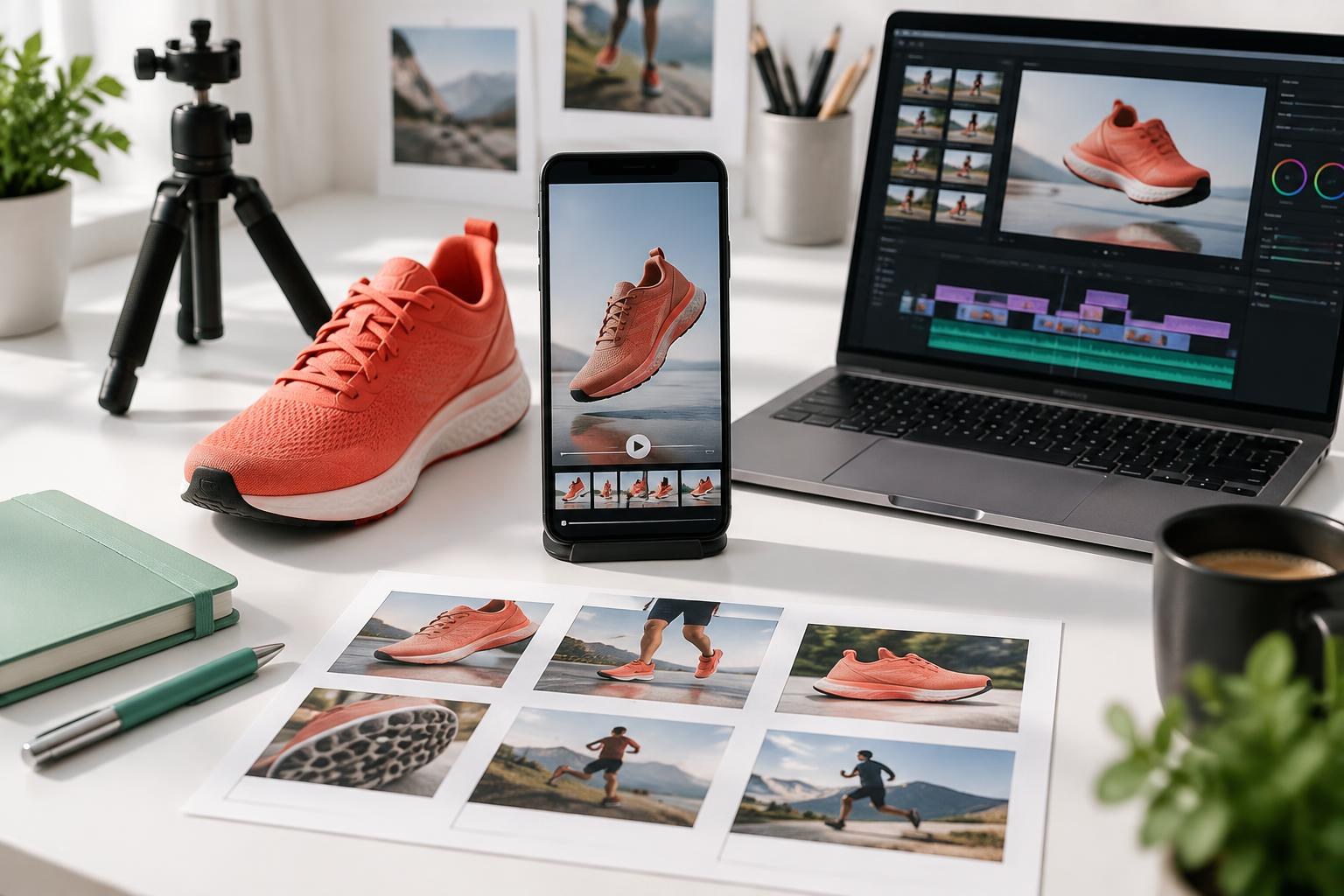
Create a professional video ad for under $50 using existing assets, a focused script and careful editing—or a $49 fixed-price service. Includes a step-by-step workflow, licensing checks and a launch checklist.
You can create a professional short video ad for under $50 in production costs by using a phone or computer you already own, your own product images or footage, a free editor, and one tightly scoped message. Alternatively, VydioAds lists a $49 Starter package for one custom 15–30 second video ad, one format and one revision, with script and captions included. Platform ad spend, your time, any applicable taxes and separately purchased assets are not part of the under-$50 production headline. Neither approach guarantees ad approval or sales.
A professional video ad does not have to begin with a production crew, a discovery call or a monthly agency retainer. For a straightforward product, app or service, the useful starting point is much smaller: a clear offer, an honest demonstration, a readable message and a finished file built for one placement. If you already own usable visuals, you can often make that asset without a large cash outlay.
This guide explains two routes: make the video yourself with existing equipment and free editing software, or commission a defined creative-only service. It is written for small businesses, ecommerce owners, creators and lean marketing teams. It covers production, not the cost of buying an advertising campaign. All prices and budget examples are in USD; examples are planning illustrations, not market averages, customer results or performance promises. VydioAds publishes this guide and sells the service highlighted at the end.
The budget refers to producing one short video file, not paying a platform to show it. Keep production cost, paid distribution, campaign management and your own time on separate lines.
The DIY route assumes you already have a suitable phone or computer and access to an editor that can export the required file without a paid upgrade. It also assumes you own the footage, photos and brand assets or have permission to use them in advertising. Buying equipment, paying a presenter, hiring a location or purchasing music can take the project beyond $50 immediately.
For the service route, compare the listed package price with the amount due at checkout. VydioAds Starter is listed at $49 for one custom 15–30 second ad, one format and one revision. Applicable taxes, currency conversion or separately agreed extras can change the final cost. Do not interpret the headline as a promise that every checkout total will stay below $50.
A $49 creative file does not include impressions, clicks, campaign setup, conversion tracking or customers. You can publish a video organically without buying distribution, but paid advertising requires its own budget. That distinction is the first step toward an honest comparison with an agency proposal.
Professional means clear, intentional and credible—not necessarily cinematic. The viewer should understand what is being offered, why it matters and what to do next without struggling to read, hear or recognize the product.
Look for five qualities: a relevant opening; visuals that show the actual subject; readable text; clean editing and audio; and a call to action that matches the destination. A simple product demonstration can satisfy these criteria better than an expensive montage that never explains the offer.
Avoid equating a low production price with guaranteed performance parity. An asset-based social ad and a filmed brand campaign solve different problems. You are reducing scope and overhead, not recreating every service a production company or agency provides. Professional presentation is within reach on a small budget; profitable acquisition still needs evidence.
Make the video yourself when you have usable assets, enough time to learn the editor and a clear creative idea. Commission a defined service when editing is the bottleneck and you would rather submit a brief than build the timeline.
DIY gives you direct control over the script, assets and revisions. It is a reasonable option for a founder who can film a quick demonstration or record an app workflow. The trade-off is time: selecting footage, editing, captioning and checking rights still require work even when the software costs nothing.
A fixed-price service can handle scripting and post-production within a published scope. Before ordering, confirm length, formats, captions, revisions and delivery expectations. Do not assume that original filming, a voice actor, source project files or account management are included unless the provider states that they are.
Neither route removes the need for someone to own the campaign. If nobody can select an objective, configure distribution or evaluate leads and sales, budget for that expertise separately. Finished creative and a managed advertising program are different purchases.
Write a one-sentence brief before opening the editor: ‘This ad shows [specific audience] how [product or service] helps with [real problem], and asks them to [one action].’
For ecommerce, the action might be visiting a product page. For software, it might be viewing a demonstration or starting a trial. For a local service, it might be requesting an estimate. These are examples, not claims about what any particular business offers. Choose only an action your actual destination supports.
Keep the offer specific enough to visualize. ‘We help businesses grow’ gives the editor little to work with. ‘See how to organize incoming appointment requests in one calendar’ gives the ad a concrete job—provided that is a real feature. If the landing page does not show the same promise, fix the mismatch before paying for traffic.
Start with your own logo, original product photographs, approved screen recordings and short footage of the product or service in use. Gather the strongest relevant material, not every file in your brand folder.
For a product, collect a clean overview image, a close detail and a practical demonstration. For software, record one complete task using a test account with private information removed. For a service, show a real process or approved example without revealing client records. Include the destination URL and exact offer wording so the edit stays accurate.
Owning a website does not automatically mean every image on it is cleared for paid advertising. Review photographer agreements, stock licenses, customer permissions and any restrictions attached to supplier images. A competitor's ad can inspire a structure, but its footage, branding and wording are not yours to reuse.
Treat music separately. A track available for a personal social post may not be licensed for commercial advertising or for export to another platform. Keep a record of asset licenses and permissions. If rights are unclear, use your own material, properly licensed alternatives or no music rather than guessing.
Build the script around three jobs: establish relevance, show useful evidence, and make the next step obvious. TikTok's own Creative Codes recommends a hook, body and close structure.
The opening can show the product solving a recognizable problem or ask a direct question about that problem. The middle should explain one benefit with a demonstration, not list every feature. The close should name a single action such as exploring the product or requesting a quote, if that is what the destination actually allows.
An illustrative 20-second storyboard might use the first 3 seconds to show a cluttered work process, seconds 3–14 to demonstrate a genuine improvement, and seconds 14–20 to show the product name and next step. These timing ranges are an editing plan, not a universal platform rule or a performance formula.
Read the script aloud before recording. If you have to rush, remove a point rather than speeding up everything. Leave time for the viewer to understand the image and read the call to action. One supported benefit explained well is usually a more coherent ad than a miniature sales presentation.
A stable phone, soft light and a deliberate composition can be enough for a short demonstration. Spend your effort on visibility and clarity before buying accessories.
Clean the lens, place the subject near a window and remove distracting background items. Avoid mixing strong daylight with differently colored indoor lights. Stabilize the phone with equipment you already own or a safe stationary support. Record a wide view, a useful close-up and the action that proves the benefit; do not film movement simply to fill time.
Frame for the intended placement from the start. For a vertical ad, leave breathing room around the product and any planned captions. Check focus and exposure before recording multiple takes. For software, enlarge the relevant interface and hide notifications, account information and confidential data.
If speech is essential, record in a quiet space and listen back through headphones. If the recording is noisy, simplify the concept or rerecord rather than burying the voice under loud music. Existing photographs with careful motion and captions are a valid alternative when filming would not add meaningful information.
Choose an editor that handles your footage, captions and final export on your existing device. DaVinci Resolve has a free version with editing, color and audio tools; check the current feature differences before relying on a particular effect.
Free software is not the same as a free project. Paid effects, stock clips, export upgrades and premium templates can add cost. Confirm the export path early by making a short test file. A simpler editor you already understand may be more practical than a sophisticated tool you cannot operate confidently.
Keep the timeline restrained: one opening idea, a small number of purposeful shots and a clean final frame. Trim pauses, align captions with speech, and avoid decorative transitions that distract from the product. Color correction should make the subject accurate and consistent, not make a product appear different from what customers will receive.
Check template and media permissions separately from the editing app. CapCut's legal guidance says templates and materials expressly labeled ‘Commercial Use’ can be used for commercial purposes; review the applicable material license and its limitations. Do not assume a popular template or sound is cleared for every paid placement.
Official product information: Blackmagic Design — DaVinci Resolve
Review the ad with and without sound on an actual phone. Accurate captions and clear visuals help people follow the message, but they do not replace the need to check accessibility and placement requirements.
Correct automatic captions manually, especially product names, prices and technical language. Use a limited number of words at a time, adequate contrast and readable sizes. Keep important text away from the platform's interface controls, account information and caption area. Do not place a legal disclosure where it disappears behind a button.
TikTok's production guidance recommends vertical 9:16 framing, high-resolution footage and space for its interface. Use the current platform preview rather than relying on a universal safe-area measurement. A desktop export can look tidy while its call to action is covered in the feed.
Keep background music below speech and avoid abrupt volume changes. When a visual action is essential to understanding the message, consider explaining it in the narration or surrounding text. A readable captioned ad is a useful starting point, not a blanket accessibility certification.
Official licensing guidance: CapCut — Trust Center and Legal Information
Select one primary placement and confirm its current specifications before exporting. A vertical 9:16 file is a useful starting point for many short-form placements, but it is not a universal delivery requirement.
Check aspect ratio, resolution, duration, file type and size in the destination platform's current guidance. Watch the exported file all the way through; do not approve only the editor preview. Inspect text edges, first-frame clarity, caption timing, audio and the final call to action.
Google's YouTube Shorts advertising guidance recommends vertical video assets and says the video must be uploaded to YouTube, either public or unlisted. Its guidance also distinguishes the ad experience from organic Shorts: only the first 60 seconds plays in the Shorts feed under the described serving behavior. Do not take an organic video's maximum duration as the specification for every ad campaign.
One format is a deliberate constraint of a small production budget. A horizontal crop of a vertical master can cut off text and product details. If you need square, landscape and vertical versions, confirm whether they are included or separately priced before commissioning the video.
Official specifications: Google Ads Help — About YouTube Shorts Ads
Use these examples to separate cash expenditure from assumptions. They illustrate how a narrowly scoped project can fit the headline; they do not establish the cost of every business's video.
DIY example: $0 incremental equipment cost because you already own the phone and computer; $0 editor cost using a suitable free version; $0 new media cost using your own approved footage and no paid music; total new cash production spend, $0. Your filming, scripting and editing time remains a real cost even though it does not appear as a payment.
Service example: one VydioAds Starter package at the listed $49 price, using the website and available brand assets to brief one 15–30 second video in one format. The base production line is $49. Any applicable taxes or agreed extras sit outside that illustration, and distribution requires a separate budget.
Do not spend the remaining dollar in the service example on assumptions. Additional revisions, special assets, another format or filming may require a different scope. For DIY, any accessory purchase or premium media license reduces the cash available elsewhere. Keep a simple expense list and stop when the project no longer fits its original constraints.
A small budget does not reduce your responsibility for the ad's claims. The FTC says advertising must be truthful, not deceptive or unfair, and evidence-based; specialized products and services can face additional rules.
Use exact prices and offers that the destination page supports. Do not invent customer quotations, before-and-after outcomes, awards, urgency or numerical results. If a genuine review is used, obtain the necessary permission and retain its meaning. Follow relevant endorsement and disclosure guidance when a reviewer has a relationship with the business.
AI can help brainstorm a structure, shorten a script or identify an unclear sentence. Check every suggested fact against real product material. Generated imagery should not misrepresent the product, and a synthetic speaker should not be presented as a real customer sharing a personal experience. Do not upload confidential customer information or assets you lack permission to use.
Platform rules and local law also matter. Health, financial and other sensitive offers may require restrictions or additional review. This guide is not legal advice, and a polished video does not guarantee platform approval. Verify the requirements for your industry and the market where the ad will run.
Trusted source: Federal Trade Commission — Advertising and Marketing Basics
The largest avoidable costs are usually unclear scope, unusable assets and preventable rework—not a missing transition effect.
Trying to cover several audiences and offers in one short video creates a vague message. Choosing a template before writing the brief can force the product into an unsuitable story. Ordering one format and later expecting every crop can create an additional deliverable. Paying for a soundtrack before checking the license can leave you with an asset you cannot use.
Other costly mistakes happen after editing: sending clicks to a broken page, using an offer that has expired, launching without working measurement, or assuming a view count proves sales. Check the website and actual order or enquiry journey before spending on distribution. Do not use more media budget to compensate for an obvious production or destination error.
Define a business outcome and a separate media spending limit before launch. Use video engagement to diagnose attention and clarity, then use qualified enquiries or purchases to assess the commercial result.
If people leave immediately, review the first frame, relevance and clarity of the offer. If they click but do not complete the next step, inspect the destination, price, form and audience fit. If enquiries are inexpensive but unsuitable, review the targeting and what the video implies. Each symptom can have several causes; the edit is not automatically the problem.
A single video and a small delivery budget can produce an inconclusive result. Do not claim the channel works—or does not work—from a handful of interactions. If the test justifies another version, change a meaningful variable such as the opening while keeping enough of the rest consistent to interpret the outcome. Buying extra videos before you can evaluate the first is not automatically efficient.
Spend more when the message genuinely requires original filming, specialist talent, several deliverables or extensive review. The under-$50 route is a specific tool, not a replacement for every kind of production.
A location-based founder story, detailed physical demonstration, complex animation or regulated campaign can require resources that existing photos and a short edit cannot provide. The same is true when you need multiple language versions, accessibility deliverables, professional audio recording or several stakeholder approval rounds.
An agency may also be useful when you need strategy, account management, measurement and continuous optimization rather than a single creative asset. Compare the work, not just the invoice. You can commission affordable video production while keeping those other responsibilities in-house or with a separate specialist.
Can I make a professional video ad with only product photos? Yes, when the photos clearly show the real product and the script is focused. Simple motion, accurate captions and a relevant offer can create a useful short ad without pretending that a new shoot took place.
Do I need paid editing software? Not necessarily. A suitable free editor can handle a straightforward project. Check device compatibility, export restrictions and asset licenses rather than assuming every free feature is appropriate for commercial ads.
Can I use trending music? Only if the applicable license permits the commercial advertising use you intend. Personal-use availability or popularity is not permission. Verify each track and placement, or choose another licensed approach.
Does $49 include running the campaign? No. VydioAds Starter is a creative-production package. Platform spend, campaign setup and ongoing optimization are separate responsibilities.
Can the same file run everywhere? Not necessarily. Placement specifications and safe areas differ. Starter includes one format; discuss additional versions rather than assuming they are part of the base price.
Will a $49 ad get sales? No provider can establish that from price alone. Offer quality, audience, distribution, landing page and measurement all influence the result. Treat the first creative as a testable asset, not a guaranteed outcome.
Confirm the audience, offer, destination and primary placement. Verify rights for every asset. Watch the export with sound on and off. Check captions, claims, safe areas, pricing and the final action on a phone.
Then test the landing page or enquiry journey, define a separate distribution budget and review the platform's current policies. Save the brief, licenses and exported file together. Keep an editable version when available so a small correction does not require rebuilding the project.
The practical way to create professional video ads for under $50 is to simplify the production—not to simplify the truth. Start with real assets, make one clear promise you can support, and deliver one well-composed video. If editing is the task you would rather delegate, the highlighted VydioAds Starter offer below provides a defined $49 starting point.
VydioAds creates fixed-price video ads for brands, businesses and creators. Explore VydioAds, see our production process, or compare the packages below.
VydioAds · Starter
Send your website, available brand assets and campaign goal. We handle the script and creative production for one focused, platform-ready video.
Listed production price; applicable taxes and agreed extras may change the total. Platform ad spend and campaign management are separate. No sales or approval guarantee.
$49one-time
Listed turnaround: 3 business days.
VydioAds pricing
Fixed-price video ad packages start at $49. Select a package to send your brand and campaign goal online.
Starter
1 video ad
Delivered in 3 business days
Launch
3 video ads
Delivered in 4 business days
Growth
Most popular5 video ads
Delivered in 5 business days
Scale
10 video ads
Delivered in 6 business days
Pro
20 video ads
Delivered in 8 business days
Creative Subscription
MonthlyOngoing creative
Priority queue
The $49 Creative Test Drive
Put our scriptwriting, editing and motion design to work on one ad before you commit to more.
Need 25+ ads a month for variant testing?
Custom volume plans for brands and agencies running creative at scale.
Newsletter
Get new ad notes in your inbox.
One short, useful email when we publish a new article. No calls, no pitches.
Pick a package, send your brand, and get platform-ready video ads in days. No calls, no meetings.