
← All articles
Creative testing & strategy
Why Your Facebook Ads Aren't Converting: 9 Video Creative Mistakes That Waste Advertising Budgets
By VydioAds · · 15 min read
Creative testing & strategy
By VydioAds · · 15 min read
Facebook video ads getting views but no sales? Diagnose nine creative mistakes, separate ad problems from checkout issues, and build a focused conversion test.
Facebook video ads may fail to convert when they earn attention without giving the right customer a clear, credible reason to act. Nine common creative mistakes are a slow opening, too many messages, features without useful demonstrations, audio-dependent storytelling, poor mobile framing, unsupported proof, a mismatched call to action, stale concepts and tests judged by views instead of qualified conversions. First verify your conversion tracking, campaign goal, offer and mobile destination. Then fix the weakest stage and test one meaningful creative change at a time. No video edit guarantees sales, and there is no universal click-through rate or refresh schedule that proves an ad is good or bad.
Your Facebook campaign can look busy while your business remains quiet. The video gets impressions. People watch. Some even click. Yet orders, bookings or qualified enquiries do not follow. Before increasing the budget, ask what the creative is actually persuading people to do—and whether the destination lets them do it.
A video is not effective just because it looks expensive, uses AI, follows a trend or holds attention. It has a commercial job: connect a relevant person with a truthful offer and a useful next step. A beautifully edited film can fail that job. A straightforward product demonstration can perform it well. Neither outcome can be predicted from production style alone.
This guide is for small businesses, ecommerce stores and local service providers running Facebook video ads, including campaigns that also deliver on Instagram. It explains nine specific creative problems, how to recognize them, what to change and how to compare the next version without confusing views with revenue.
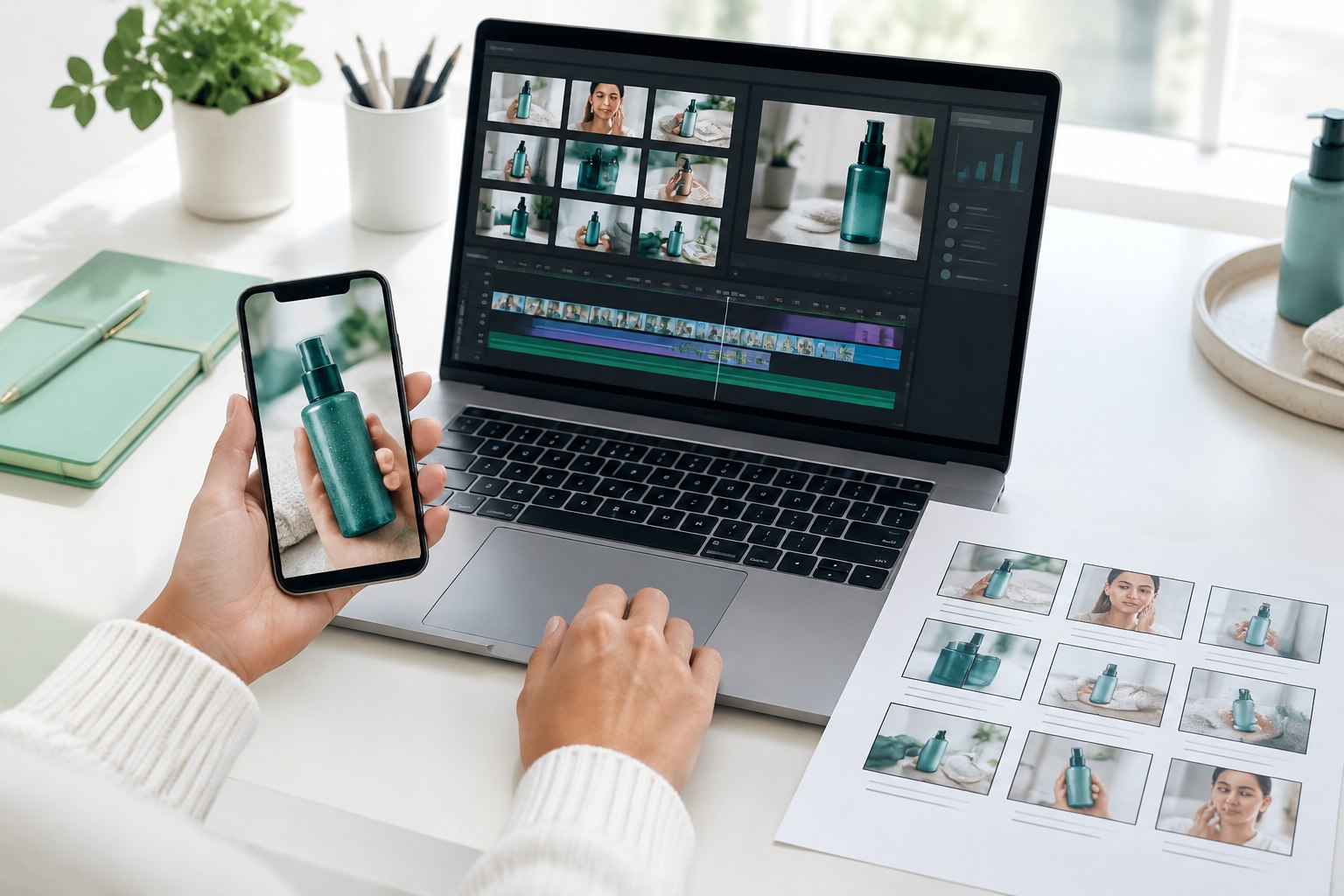
Editorial disclosure: published November 23, 2026 by VydioAds, which sells the creative-production packages below. The diagnosis framework and sample scripts are practical editorial guidance, not a reported client experiment. Numerical examples are hypothetical. Official Meta sources support creative, attribution and testing principles; some creative resources are historical and are not used here as current placement limits or performance benchmarks. Platform tools and policies can change. The generated featured image illustrates an editing workflow, not a verified campaign or analytics result.
Find the first broken stage: delivery, attention, visits, completed actions or lead quality. Different symptoms need different fixes.
Start with the business action you intended to buy. An online shop may need paid orders, not add-to-cart events. A home-service company may need enquiries within its service area that become booked work, not every submitted form. If you optimized for visits or video views, those results do not establish that a sales campaign succeeded or failed.
Run through the destination yourself on a real phone. Confirm that the page opens, the offer is available, the price and shipping are clear, and the form or checkout works. Verify that the intended conversion event is recorded once and reconciles reasonably with your order or booking records. Duplicate events, missing events and reporting delays can make creative performance appear better or worse than it is.
Compare like with like. Use consistent attribution settings, date ranges and definitions when reviewing ads. Meta can credit actions after clicks, views or eligible video engagement depending on settings; credited conversions are not automatically proof that every reported sale was caused by the ad. Keep platform reporting and business records side by side.
Inspect message relevance, product clarity and the call to action. Entertaining an audience is not the same as attracting prospective customers.
Check load failures, slow mobile delivery, accidental clicks and reporting definitions before deciding the video is wrong.
Inspect the offer, availability, destination, trust signals and form friction. A video may be creating expectations the page cannot meet.
A slow introduction asks for attention before explaining why the viewer should give it. Show the product, customer situation or useful demonstration immediately.
A fade from black, an animated logo and a founder saying hello may suit a longer brand film. In a mobile feed, that sequence can delay the information a potential customer needs. Branding can appear early without becoming a separate preamble: put the actual branded product in the opening shot or identify the business alongside a demonstration.
Hypothetical example: a storage business could replace an opening logo animation with a close-up of a crowded drawer being organized. The first line explains the situation; the next shot shows how the product fits. This is a proposed script, not evidence that a particular hook will outperform yours.
Compare early video engagement with the rest of the funnel. Weak early retention can suggest an opening problem, but it can also reflect an irrelevant audience or unclear first frame. Test a different opening while keeping the offer and destination steady. There is no magic one-second or three-second threshold that proves a conversion problem.
Remove setup that carries no buying information. Open on the most understandable action or recognizable customer problem, with branding integrated into the scene.
When the ad promotes everything, the viewer may not know what matters or which action to take. Build the video around one primary customer decision.
A salon ad that introduces the founder, promotes hair color, announces a training course and asks people to follow its page is asking for four different commitments. Each needs different evidence and a different destination. A new customer looking for an appointment should not have to infer which message applies to them.
Write a brief with one sentence for the customer, one for the offer and one for the next action. For example: nearby first-time clients; a specified appointment service with accurate terms; book an available slot. Use secondary details only when they help that decision. Important conditions should remain clear rather than hidden to make the edit shorter.
Do not confuse focus with audience stereotyping. Use what customers actually ask, search for or object to. If two audiences need different reasons to buy, separate the messages and evaluate them under appropriate conditions rather than packing both into the same script.
Features name what a product has. A useful demonstration shows how those features help a customer make a decision.
Generic phrases such as premium quality, innovative design and next-generation technology take screen time without answering a buying question. Instead, show the actual feature in a relevant situation: how the lid closes, how the software exports a report, or how the service appointment works. Be precise about what the footage can genuinely demonstrate.
For a hypothetical reusable container, a close-up of the locking mechanism may be more useful than a rotating beauty shot paired with an unsupported claim that it is the best. Explain the practical benefit without inventing performance evidence. If leak resistance is claimed, obtain appropriate substantiation rather than treating one attractive shot as proof.
AI-assisted motion can help present real product photos, but review the details. Changed labels, impossible mechanisms and fictional interfaces undermine the demonstration. Use genuine footage or accurate screen recordings for actions whose truth matters to the purchase. Customers should receive the product or experience the video leads them to expect.
Name the customer situation, show the relevant feature working accurately, then connect it to the benefit. Remove any claim you cannot support before production.
If the essential offer disappears when the video is muted, some viewers cannot understand the ad. Use readable text and visuals without turning every frame into a slide.
Audio can add personality, rhythm and clarity. The mistake is requiring it for basic comprehension. Someone watching silently should still identify what is sold, why it is relevant and what to do next. Review captions for names, numbers, pricing and technical terms rather than trusting an automated transcript without checking it.
Use concise captions or text that supports the shot. Keep contrast strong and leave each line visible long enough to read on a phone. Avoid stacking a spoken transcript, a separate slogan, an offer badge and legal copy in the same small area. If an important condition cannot be read, redesign the message instead of shrinking it further.
Sound-off comprehension is also an accessibility consideration, not just a conversion tactic. Where audio conveys important information, provide an equivalent visual or captioned explanation. Do not assume that adding decorative text makes the whole creative accessible.
A video can fit the upload requirements while still being hard to understand. Framing, text position and interface overlays need placement-specific review.
A landscape video squeezed into a vertical frame can make the product tiny. A close-up cropped automatically can remove the hand demonstrating it. Captions positioned near the edge may be covered by buttons or other interface elements. These are comprehension problems, not merely aesthetic imperfections.
Keep important information inside the safe area for the intended placement. Preview Feed, Stories and Reels separately where they are selected. A vertical 9:16 composition is a common starting point for Reels and Stories; other feed placements may benefit from a different composition. Use Meta's current guide for the specific placement, not a universal aspect-ratio rule from a blog.
When budget or package scope permits only one format, prioritize the placement you actually intend to run and confirm the deliverable before ordering. Additional formats should be deliberate adaptations of the same idea, not an assumption that every package includes every possible export.
An impressive claim can attract clicks and still damage conversion when it is unsupported or inconsistent with what the buyer sees next.
Proof should answer a real objection. Show the actual product, explain the actual process or quote a genuine customer with appropriate permission and disclosures. A simulated dashboard, synthetic reviewer or fabricated before-and-after is not evidence. A generated scene may illustrate a concept, but it should not be passed off as a recorded customer experience.
Under US endorsement guidance, consumer testimonials can imply that others will generally obtain the represented result. Advertisers need support for express and implied claims; endorsements do not remove that obligation. A vague disclaimer does not automatically repair a misleading central message. Other markets and regulated products may impose additional requirements.
You do not need a wall of testimonials to earn trust. A transparent explanation, accurate close-ups, clear price and recognizable business identity may be more useful than unprovable superlatives. If proof is missing, obtain it or narrow the claim—do not ask an editor or AI tool to manufacture it.
US endorsement guidance: Consumer endorsements, 16 CFR 255.2
The video and destination are one customer journey. A strong call to action becomes a weak conversion experience if the next page changes the offer or adds surprises.
If the ad shows one product, link to that product or a relevant page rather than making the buyer search the whole site. If it promotes an appointment, show the service, eligibility and booking options. If it offers a quote, explain what happens after submission. Shop now, learn more and request a quote are different commitments; choose the one the destination actually supports.
Match pricing, availability, geography and conditions across the video, ad copy and page. A local provider can waste spend on enquiries outside its service area when the creative does not identify where it operates. An ecommerce promotion can attract the wrong buyer when shipping restrictions or eligibility are only revealed late in checkout.
Check the transition on a phone, including slow connections and the form itself. More persuasive creative cannot reliably offset a broken payment step or hidden mandatory cost. When visits look healthy but actions do not, examine this stage before ordering a completely new campaign.
After seeing the ad, would a first-time customer recognize the next page and complete the promised action without needing to guess, search or discover unexpected terms?
New colors, music or exports do not necessarily give an audience a new reason to care. Refresh the message or evidence when the diagnosis calls for it.
Ad fatigue is a plausible explanation when a once-useful ad deteriorates as exposure repeats, but frequency alone does not establish it. Competition, seasonality, an unavailable product, tracking changes and a worse destination can create similar symptoms. Compare trends in qualified outcomes alongside attention, costs and exposure before deciding what to replace.
A meaningful refresh might answer a new objection, demonstrate another real use case, change the opening or address a different eligible customer situation. Replacing background music while keeping the same promise and shots is a smaller change. That may be worth testing, but do not describe it as a new concept without a new hypothesis.
Maintain a small library of approved product clips, truthful proof and customer questions. That makes it easier to prepare the next useful version without inventing material at the last minute. There is no universal weekly or monthly refresh schedule: campaign volume, audience size, learning and creative performance determine the need.
A creative test should answer a specific business question. More views or cheaper clicks are diagnostics, not automatic evidence of better customers or profitability.
Suppose a hypothetical ad spends $200 and produces 100 visits but no purchases. Another spends $200, produces 40 visits and four purchases. The second has a reported media cost per purchase of $50 in this illustration; the first has no finite cost per purchase because it generated none. That does not establish profitability, and four purchases are too little evidence to declare a durable universal winner.
Write the hypothesis before editing: showing the actual product immediately will improve qualified purchase performance compared with a logo-first opening. Keep the audience, offer, destination and evaluation conditions as comparable as possible. If you change the hook, price, page and audience together, you cannot tell which change helped.
Use Meta's experiment tools where appropriate and available. Ordinary delivery across ads is not automatically a randomized experiment: the system can allocate spend differently. When a controlled test is not practical, call the comparison directional, document differences and avoid claims of causation that the setup cannot support.
Set a review window and affordable stopping conditions beforehand. Account for conversion delay, meaningful sample size, refunds and lead qualification. Five videos in a production package do not mean a small campaign should launch five competing tests simultaneously and split its learning too thinly.
Fix the highest-confidence problem first. You do not need nine new ads to address nine possible mistakes.
Write down the failing funnel stage, the evidence and the main alternative explanations. Verify the conversion event and destination before assigning the problem to creative.
Save the current video, brief, reporting settings and evaluation dates. Preserve enough context to understand the comparison later.
Change the opening, proof, framing or call to action according to the diagnosis. Specify what stays constant and what customer question the change answers.
Watch muted on a phone, inspect placement previews, check claims and confirm the destination. Correct comprehension and accuracy failures before spending.
Use qualified enquiries or purchases as the primary outcome for a direct-response test. Keep views, retention and clicks as supporting explanations. Record what you learned even if no clear winner emerges.
Short answers to common small-business questions, without invented benchmarks or guarantees.
Possible causes include a mismatch between the video and page, an unclear offer, poor mobile checkout, low-intent visitors or incorrect tracking. First verify the visit-to-purchase journey and event reporting. Then test whether the creative attracts the right customer rather than simply the most curious viewer.
There is no universal rate that proves success. Define the denominator, outcome, attribution and commercial context. Compare consistent measurements within your business and check whether acquisition cost is sustainable after relevant costs, refunds and lead quality.
Remove material that does not help the buying decision, but do not cut essential proof or conditions just to meet an arbitrary duration. A concise demonstration may work for one offer; a complex decision may need more explanation. Confirm the current limits for the placement.
AI can assist production, but it cannot repair a weak offer, broken checkout or false claim. It is useful when it helps produce accurate, relevant variations. Review generated details and use real evidence where the product or customer experience must be demonstrated.
Prepare only as many meaningful variations as you can evaluate responsibly. A batch can provide future concepts without running all of them at once. Choose based on campaign volume, conversion delay and the question you need to answer—not the number of files you purchased.
Neither automatically. Diagnose the weak stage first. More budget increases exposure but does not make an unclear video persuasive. New creative is not the answer to every tracking, product-availability or destination problem either.
Not necessarily. Clickbait can increase clicks while reducing buyer quality. For conversion campaigns, compare qualified actions and relevant costs, then use click-through and retention to explain the difference.
VydioAds packages are creative production, not platform ad spend or campaign management. You supply the business goal and accurate assets, receive the listed deliverables and run or separately arrange your campaign. No sales, return-on-ad-spend or platform-approval guarantee is included.
Watch the finished video as a first-time customer would: on a phone, without assumed brand knowledge, with the destination ready.
A clear reason to watch appears immediately. One primary offer guides the story. Features are connected to useful, accurate demonstrations. The message remains understandable without audio. Text and product framing survive the selected placement previews. Claims and testimonials are supported. The call to action matches the destination. The concept has a reason to be fresh. The test has one specific hypothesis and a qualified business outcome.
Use this as a practical review checklist, not a prediction model. A video can pass every item and still face an uncompetitive offer, limited demand or a campaign measurement problem. The goal is to remove avoidable confusion before spending more, not promise that creative alone controls sales.
If the offer and destination are ready but the creative needs work, order a focused batch built around what you want to learn.
Growth is a relevant option when you need more than one concept or opening: five custom video ads for the current listed $179 one-time production price. Its scope includes multiple creative concepts, hook variations for testing, one revision each and platform-ready files. Explain which of the nine mistakes you are addressing in your brief and identify the placement you intend to use.
If you need only one new version, Starter is listed at $49 for one custom 15–30 second video ad, one format, one revision, script and captions, and a platform-ready file. Compare current package details before purchasing. Paid media, targeting, tracking setup and campaign management remain separate; applicable taxes and agreed extras may change the total.
Use the online order button below to select Growth, submit your brand and campaign direction and continue to payment. If you are not ready to order, subscribe for future guides or use the free hook generator linked above. Better planning is useful before production as well as after it.
Newsletter
Get new ad notes in your inbox.
One short, useful email when we publish a new article. No calls, no pitches.
VydioAds creates fixed-price video ads for brands, businesses and creators. Explore VydioAds, see our production process, or compare the packages below.
VydioAds · Growth
Turn your diagnosis into a focused creative brief. VydioAds Growth includes five custom video ads, multiple creative concepts, hook variations for testing, one revision each and platform-ready files. Bring your real product assets, offer and campaign goal; choose distinct hypotheses instead of buying five near-identical edits. You run the campaign and measure the results—we produce the creative.
Listed production price; applicable taxes and agreed extras may change the total. Platform ad spend and campaign management are separate. No sales or approval guarantee.
$179one-time
Listed turnaround: 5 business days.
VydioAds pricing
Fixed-price video ad packages start at $49. Select a package to send your brand and campaign goal online.
Starter
1 video ad
Delivered in 3 business days
Launch
3 video ads
Delivered in 4 business days
Growth
Most popular5 video ads
Delivered in 5 business days
Scale
10 video ads
Delivered in 6 business days
Pro
20 video ads
Delivered in 8 business days
Creative Subscription
MonthlyOngoing creative
Priority queue
The $49 Creative Test Drive
Put our scriptwriting, editing and motion design to work on one ad before you commit to more.
Need 25+ ads a month for variant testing?
Custom volume plans for brands and agencies running creative at scale.
Pick a package, send your brand, and get platform-ready video ads in days. No calls, no meetings.